
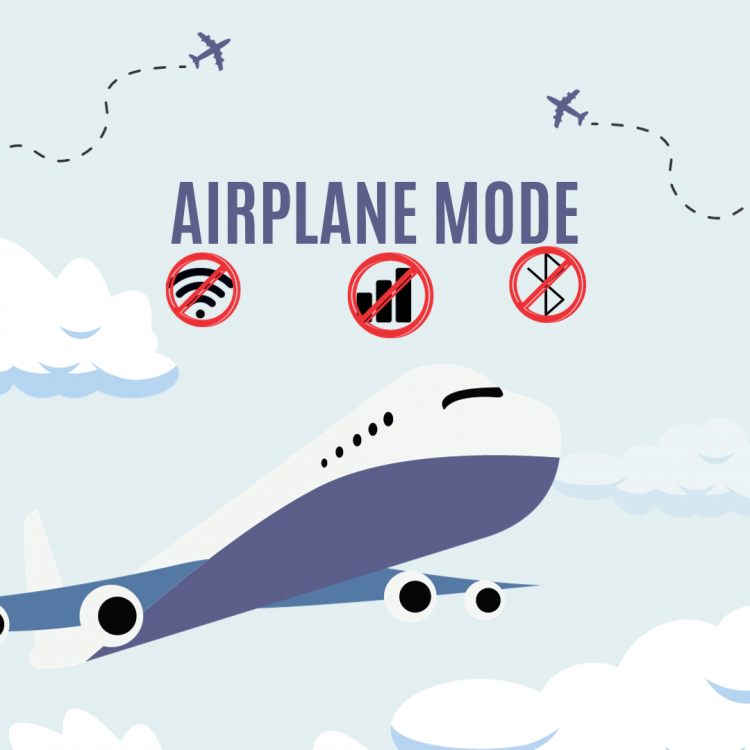
Airplane mode is a feature found on many electronic devices, such as smartphones, tablets, and laptops. When activated, it disables the device’s wireless communication functions, including cellular networks, Wi-Fi, and Bluetooth. This mode is commonly used during flights, as it helps prevent potential interference with the aircraft’s communication and navigation systems.
The specific functions disabled by airplane mode may vary slightly depending on the device, but it typically includes:
Cellular network: Airplane mode turns off the device’s connection to cellular networks, preventing it from sending or receiving calls, text messages, or mobile data.
Wi-Fi: The device’s Wi-Fi functionality is disabled, preventing it from connecting to Wi-Fi networks.
Bluetooth: Airplane mode also turns off Bluetooth connectivity, which is used for wireless communication with other devices, such as headphones, speakers, or other peripherals.
GPS (Location Services): Some devices may also disable GPS or location services when airplane mode is activated. This is to ensure that the device doesn’t use location-based services that might require wireless communication.
When you’re on an airplane, it’s important to comply with airline regulations and switch your device to airplane mode during takeoff and landing. This precaution helps prevent potential electromagnetic interference with the aircraft’s systems. Once the plane reaches a safe altitude and the flight crew gives permission, you may be allowed to use certain electronic devices again, but often with restrictions (e.g., Wi-Fi or cellular communication may still be restricted). Always follow the instructions provided by the airline and cabin crew regarding the use of electronic devices during the flight.